
Address Labels
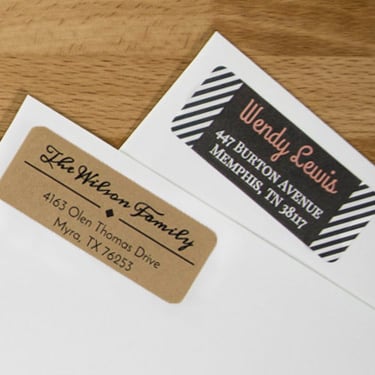

Here's what people are saying
Frequently Asked Questions
-
What label materials are recommended for standard address labels?
The material we recommend for your address labels will depend on your goals. Standard white matte is a great option for address labels. If you need to cover up an old label, we recommend our blockout laser material. Pastel labels, true color labels, and brown kraft are all good options as well if you're going for a specific look.
-
Which sizes are most common for address and return address labels?
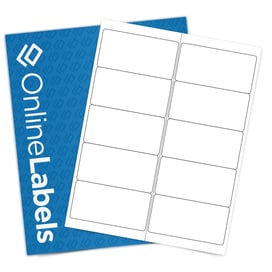
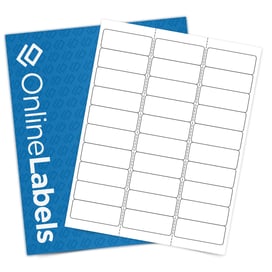
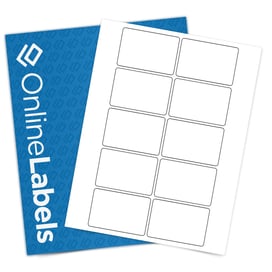
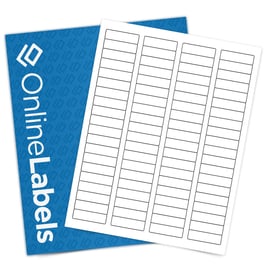
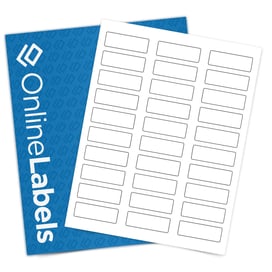
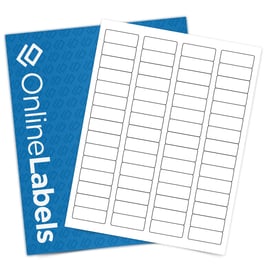
Our most popular address labels are 2.625" x 1" (OL875) and our most popular return address labels are 1.75" x 0.5" (OL25). For a larger address label, many users opt to use 4" x 2" (OL125) labels.
-
Can I use my home printer to print address labels?
Yes, most home printers can handle printing address labels. However, ensure that you printer is compatible with the label material you’ve chosen.
-
Can I order custom printed address labels?
Yes, we offer custom address labels! Select a blank label size then choose, Custom Labels on the next page. You'll choose a label material and label quantity, then upload your artwork and we'll print your labels for you! You can also visit our custom label quote page to start the process.
-
Do you offer address label templates and return address label templates?
You can browse our pre-designed template section and find address label designs perfect for your business or event. Create your own personalized return address labels by editing any of our blank templates.
-
How do I make a list of addresses into labels in Word?
You can turn an address list into labels in Word by using Mail Merge, which pulls addresses from Excel or a contact list into a label template automatically. This lets you print multiple unique addresses at once without copying and pasting.
-
How do I get address label templates in Word?
- Find your label’s template number/size (from the packaging or product page).
- Download the matching Microsoft Word template from our blank label templates.
- Open the file in Word and type your text directly into the label cells.
- Print a test page on plain paper first, then print on your label sheets once alignment looks right.
-
How do I create my own address labels?
To create your own address labels, start by choosing a label size that fits your envelopes or packages and download a matching template for Word or your design software. Enter your address manually or import a list if you’re printing multiple labels. Print a test page to confirm alignment, then print on address label sheets using your home or office printer. For detailed, step-by-step instructions, see our guide on how to print address labels.
-
How do I create a custom return address label?
To create a custom return address label, choose a return address label size and download a matching template for Word or your design software. Print a test page to confirm alignment, then print on return address label sheets using your home or office printer. You can also design and order custom return address labels directly through OnlineLabels for a professionally printed option.